

Adding and Removing Multiple Payloads
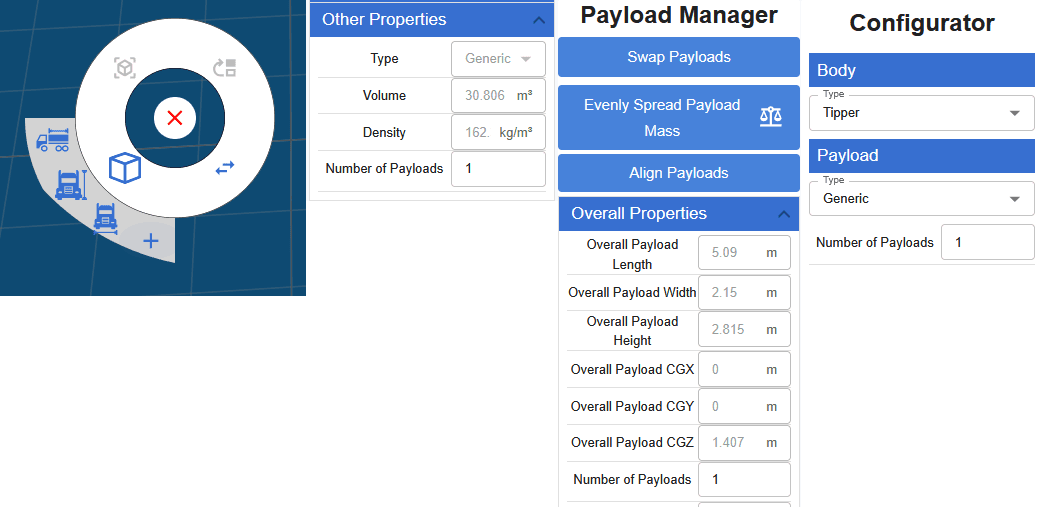
There are different options to add payloads:
- Right clicking the paylaod
- Under the payload properties
- In the payload manager (accessible by the right click wheel)
- The Vehicle Unit quick configurator
When adding multiple payloads, if the payload is using body length then it will divide the payload evenly into n number of payloads and position them.
If the payload is not using body length, it will add the payload directly behind the last payload.
To position payloads you can enter the x and y position relative to the center of the body or you can also use the drag gizmos. There are 2 drag gizmos on the payload, one is just for that payload's independent CGX and CGY, and the other is the X and Y position.